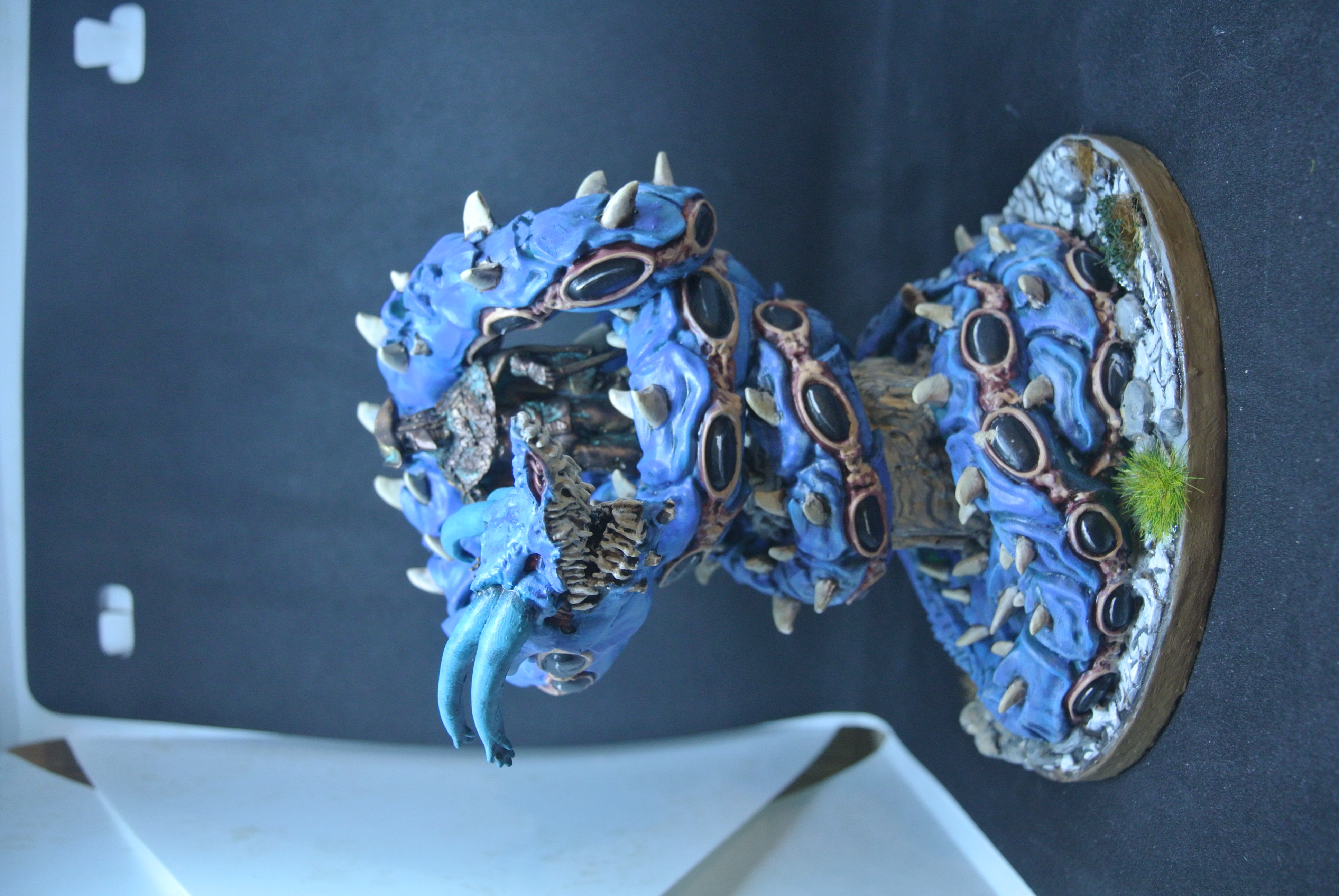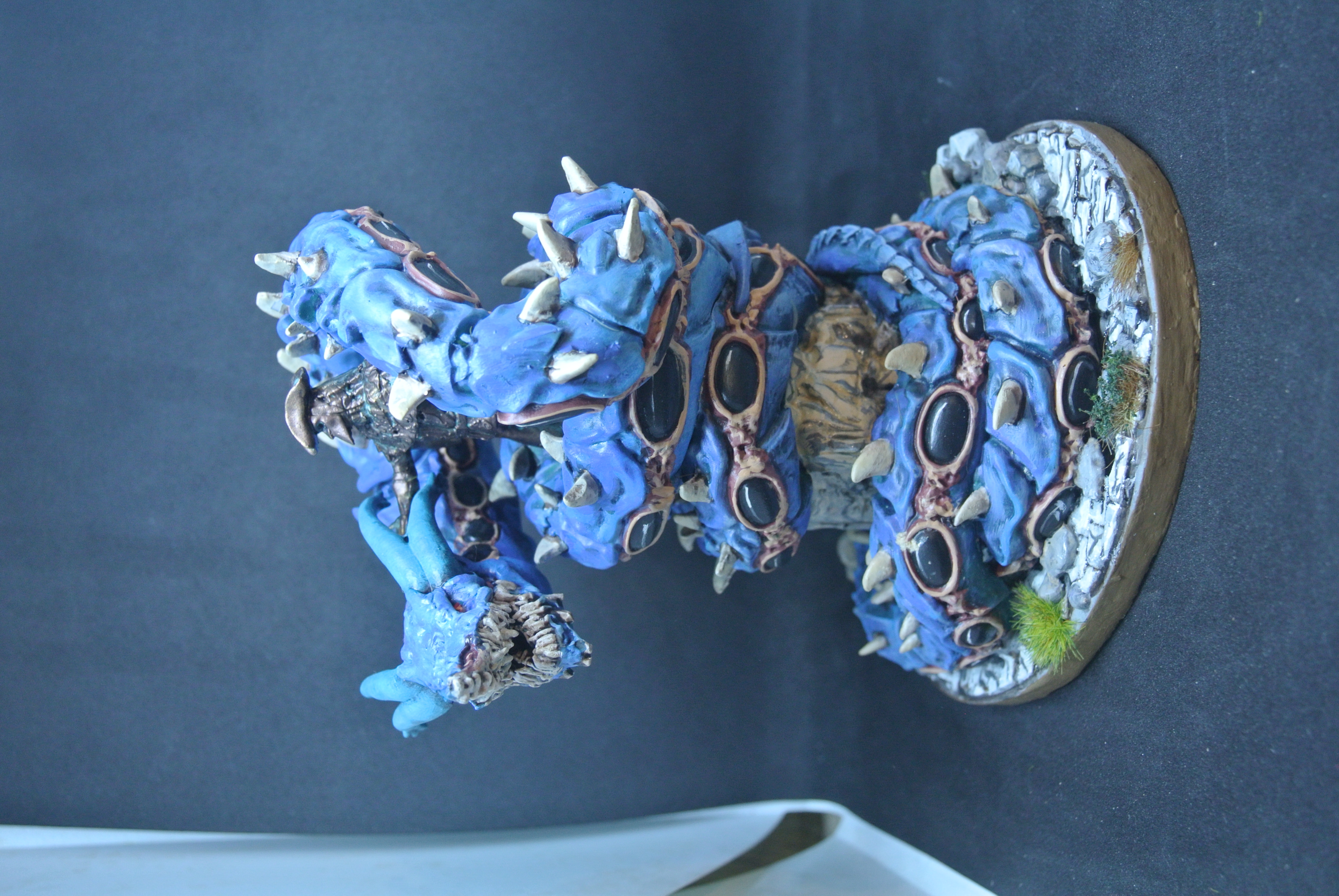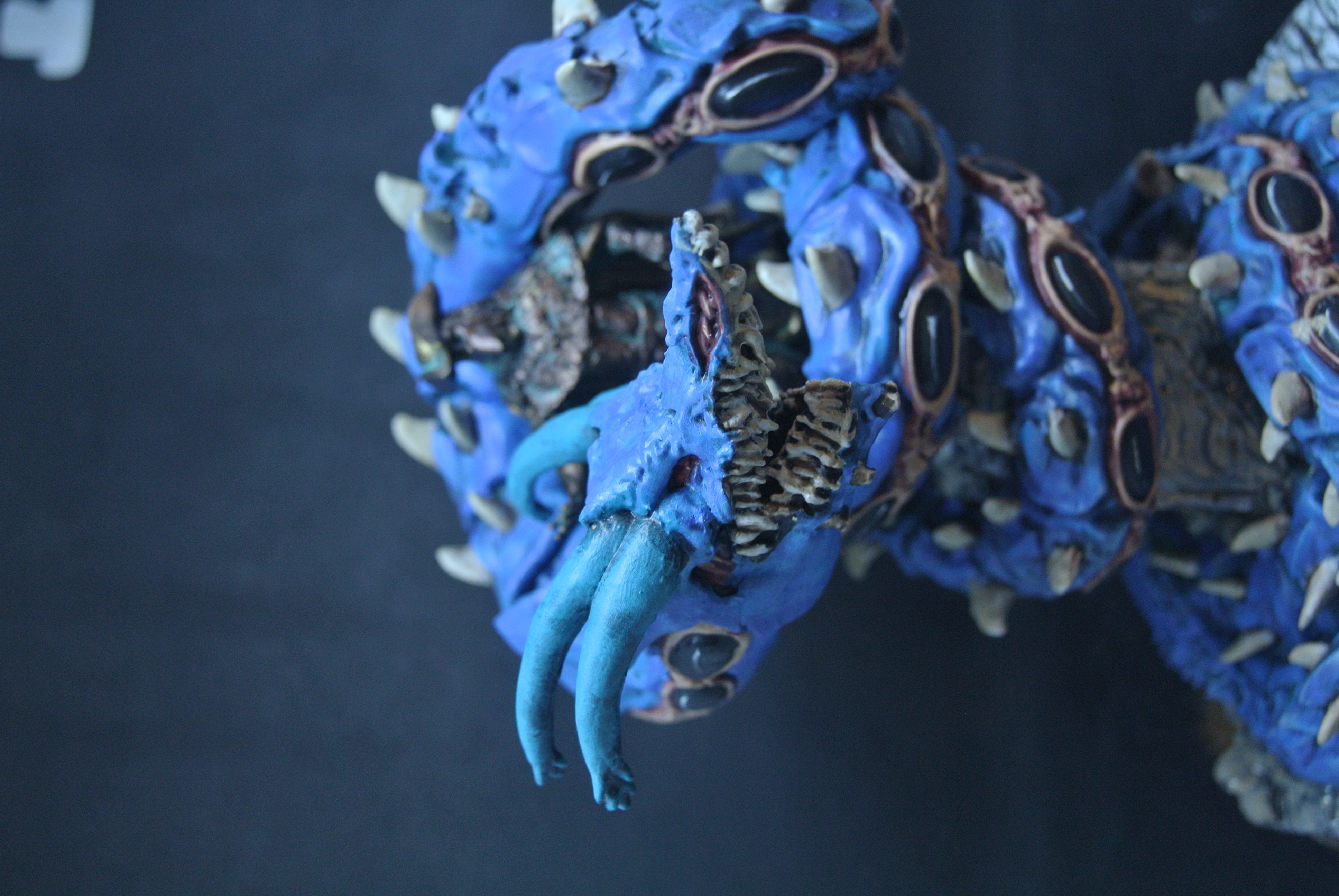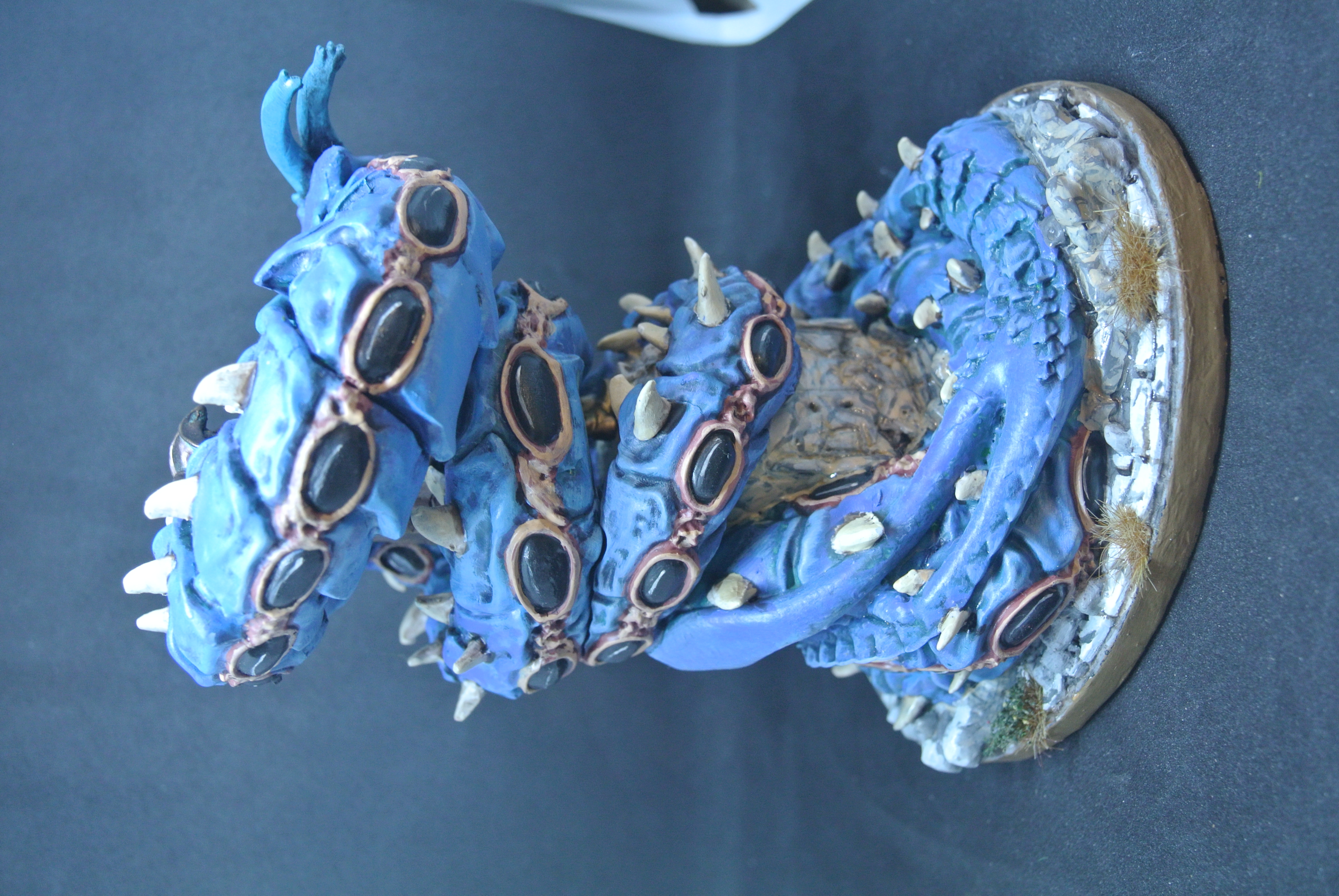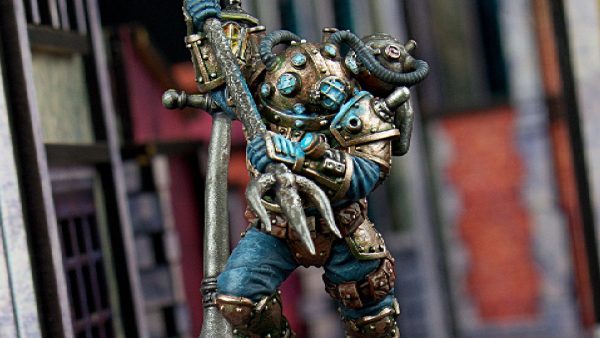





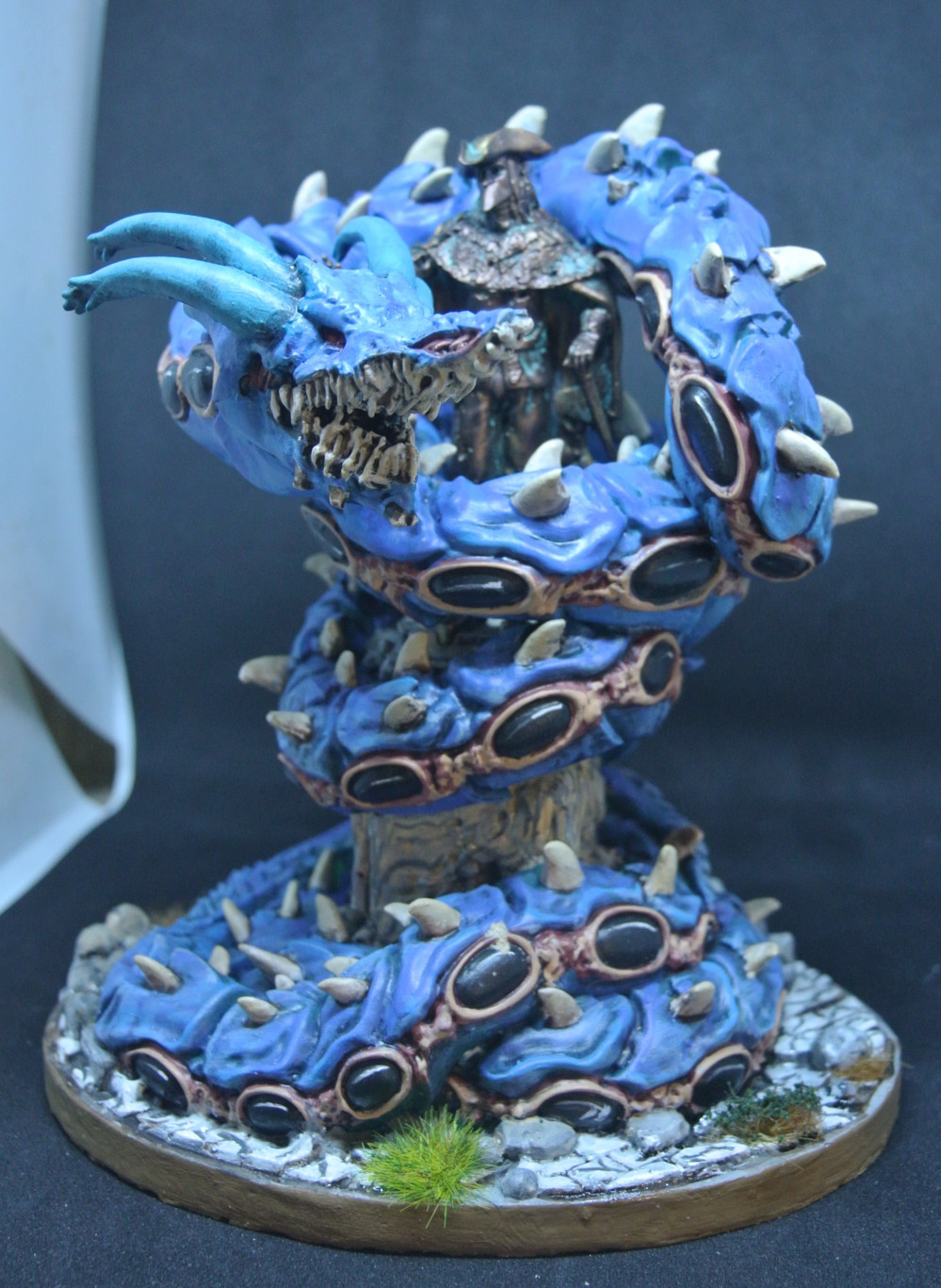
The carnevale Morgraur


Recommendations: 112
About the Project
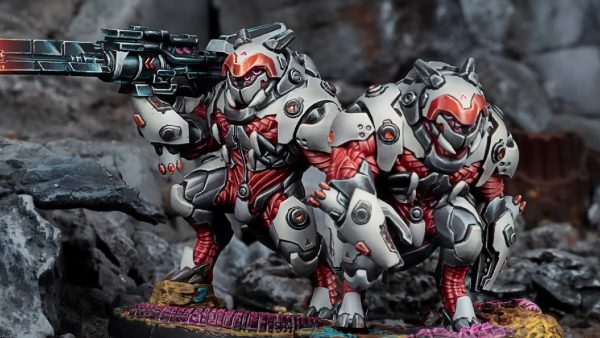
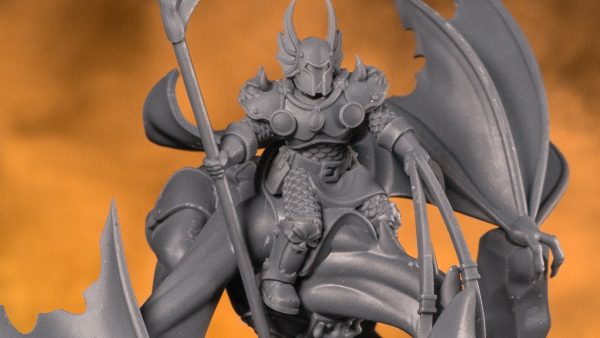
I got lucky and had the opportunity to buy a limited Morgraur after the kickstarter. The one I got is the 145 of 250. I am also crazy enough to start building and painting it. Wishful thinking that I can finish this big project without starting 10 others. I will take the project from building to painting and basing it.
Related Game: Carnevale
Related Company: TTCombat
Related Genre: Fantasy
This Project is Completed
Opening the package
 Nice box with beautiful art
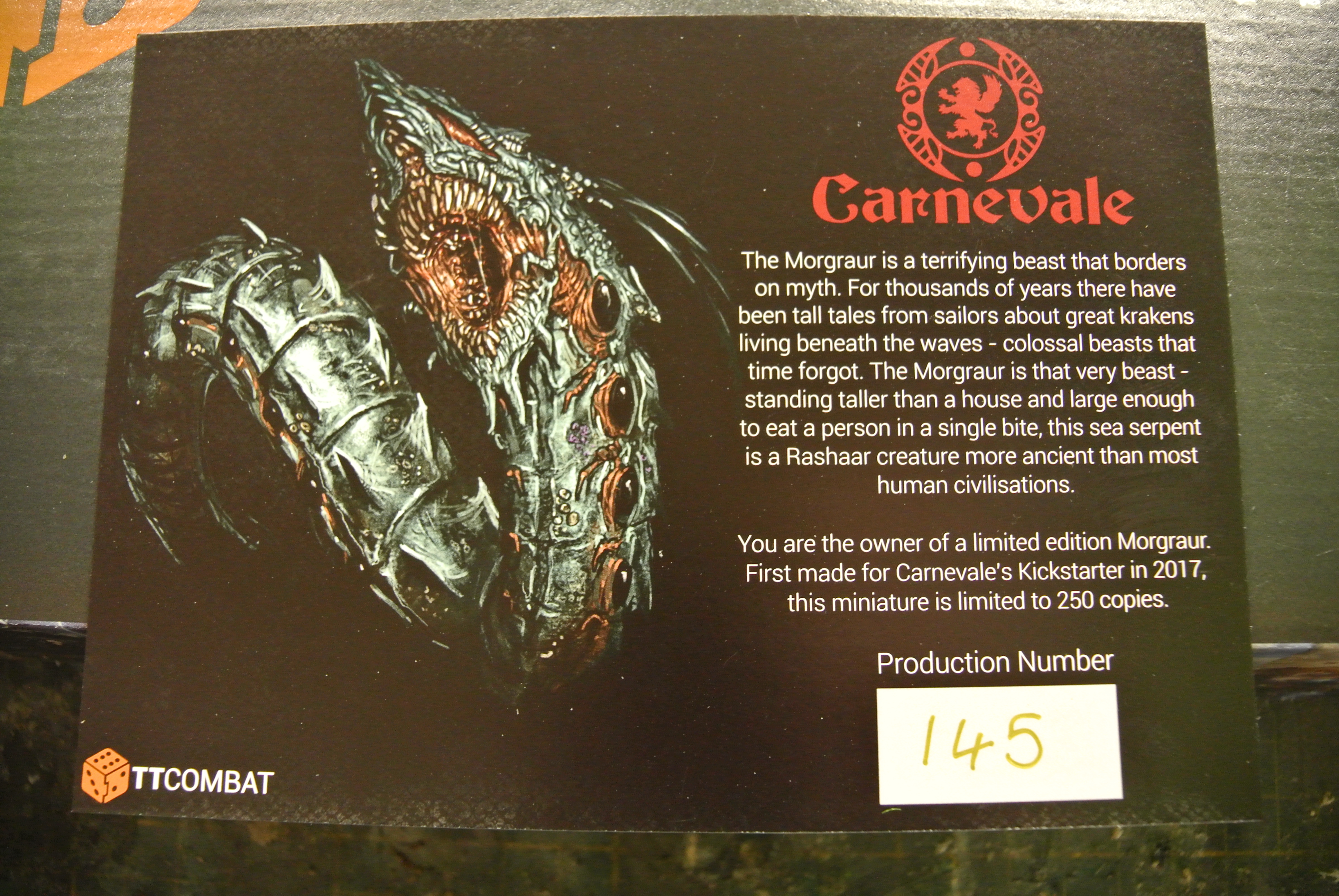 Nice card with some fluf and production number
 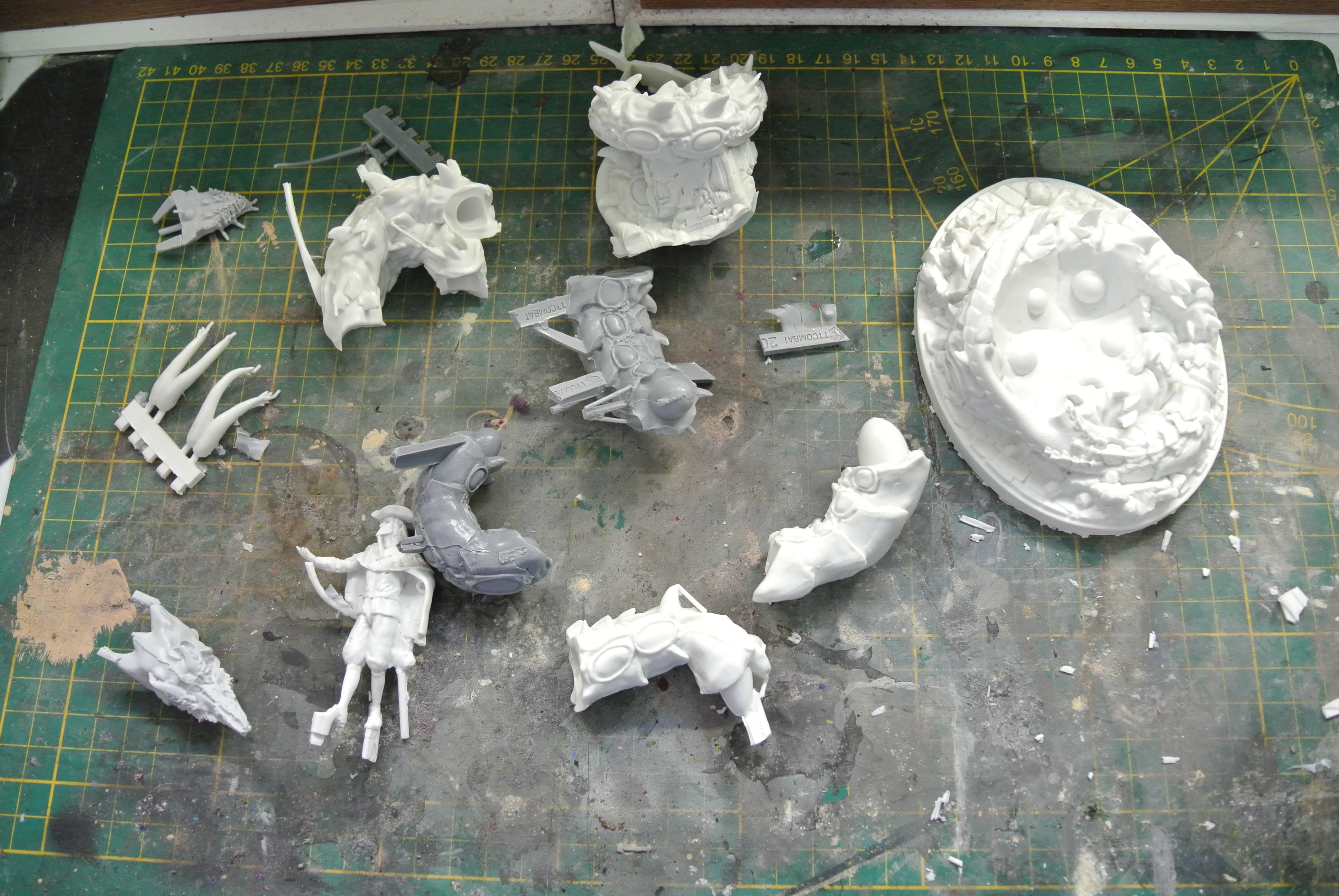 A lot of parts to clean up
Cleaning + basecoat

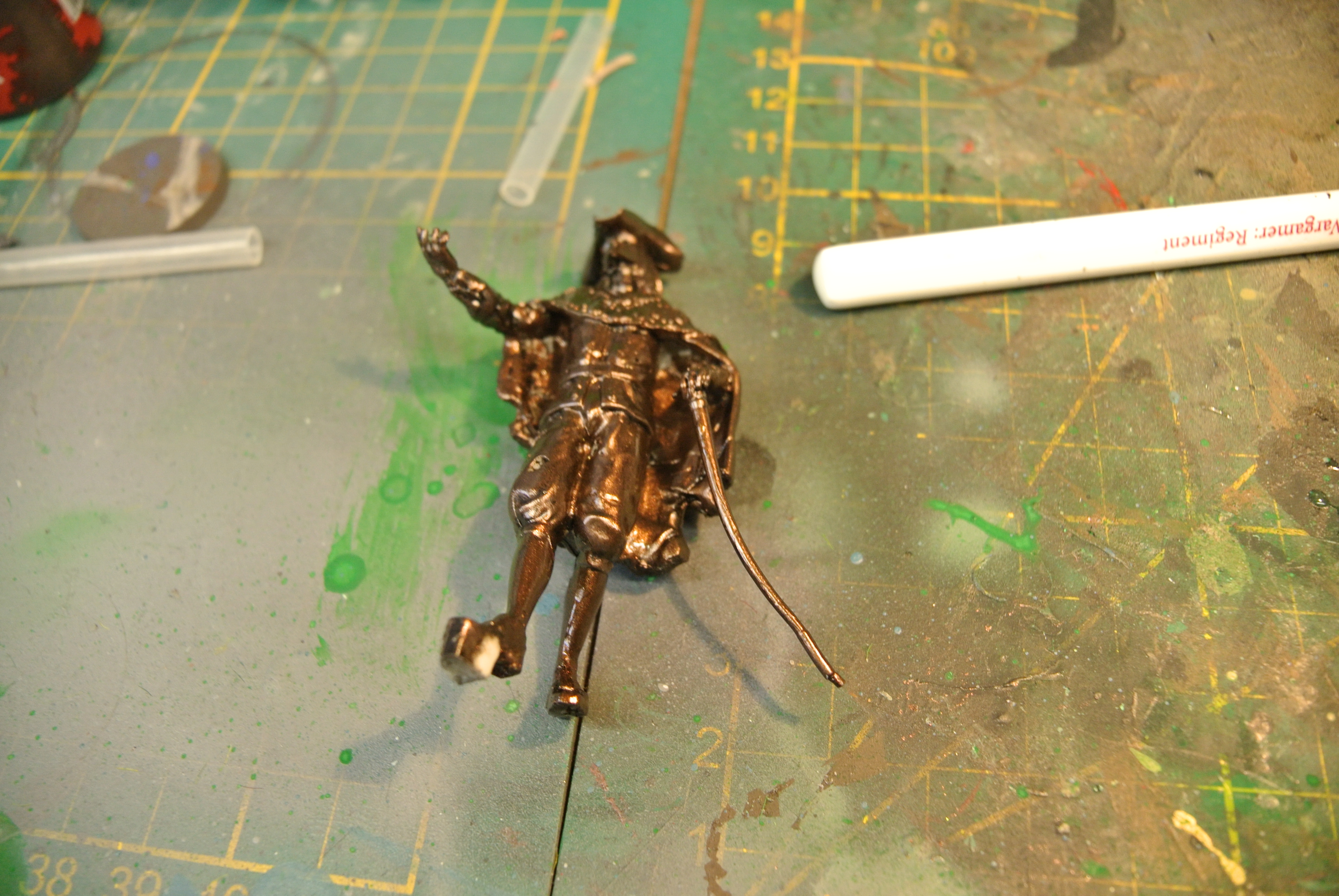
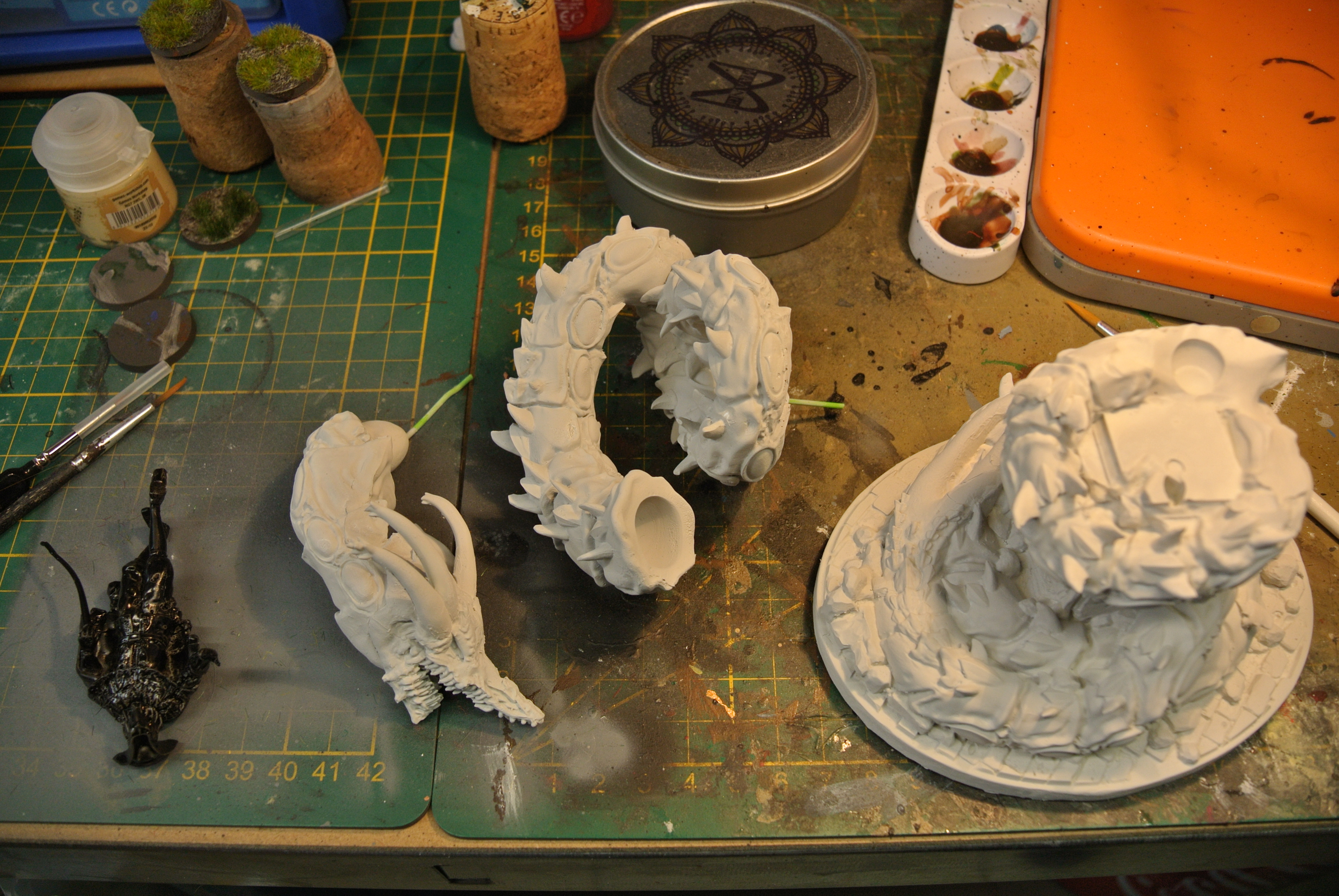 Did the statue in black basecoat
 Did the whole miniature in hexwraith flame to create a reptile skin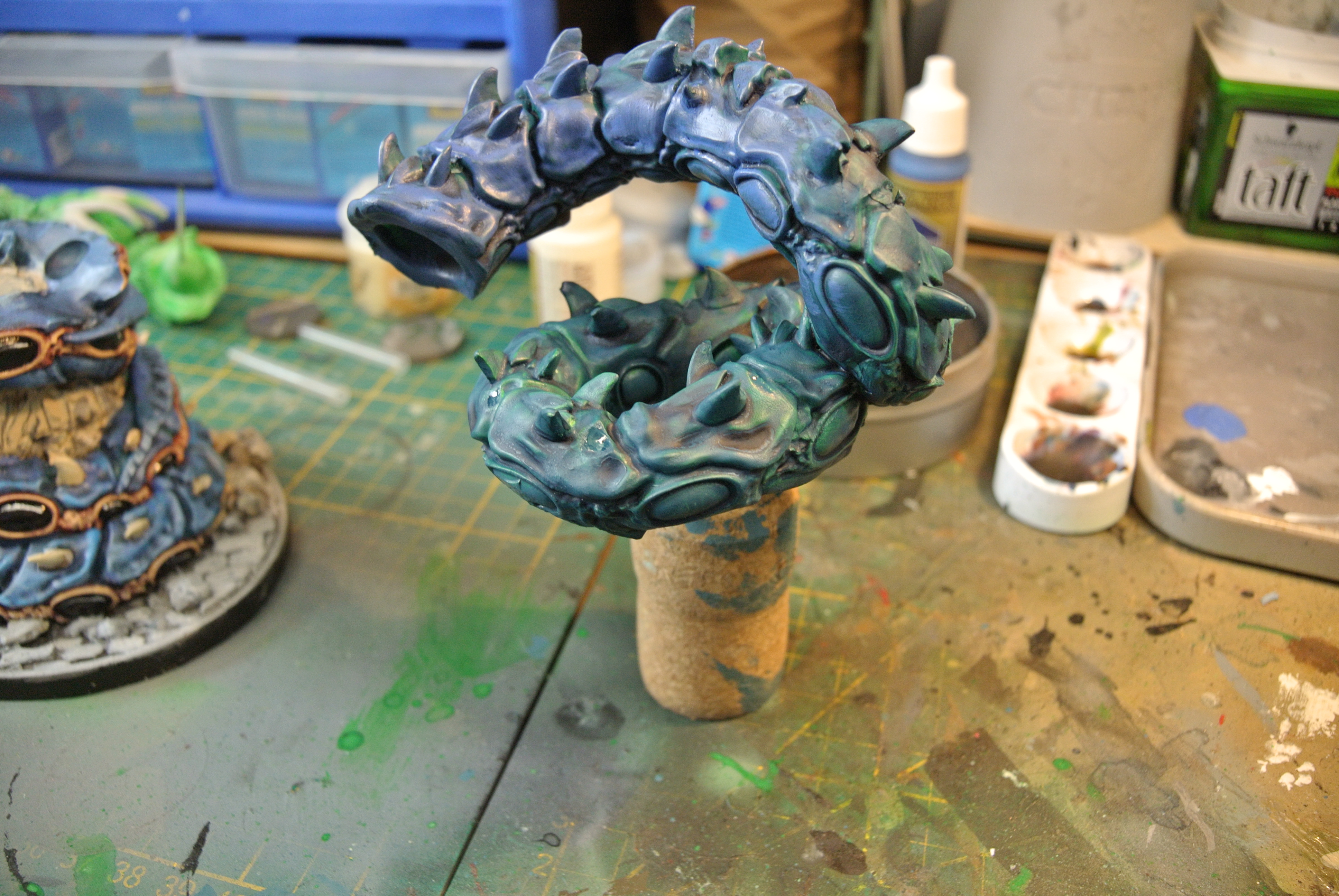


tutorial
Step 1: the primer
I used coax white spray from games workshop but any white or light primer will do.
Step 2: color-blocking
1: Paint the whole model with hexwraith flame (citadel paints)
2: Paint the whole model again with Nighthaunt gloom. (citadel paints). By doing the model fist with the hexwraith flame you will get a green-blue skin tone. This effect is ideal for sea creatures.
3: Now we paint the fins of the Ugrdu. This I do with alien purple from army painter. I choose this color because his picture on the data sheet. But I think a green of a blue will also look nice.
4: We start now the belly and I used celestra grey (citadel paints) or any grey. A more warm colour or a skin tone could also be used.
5: I use rakarth flesh from citadel paints for the coral/pimples on the skin.
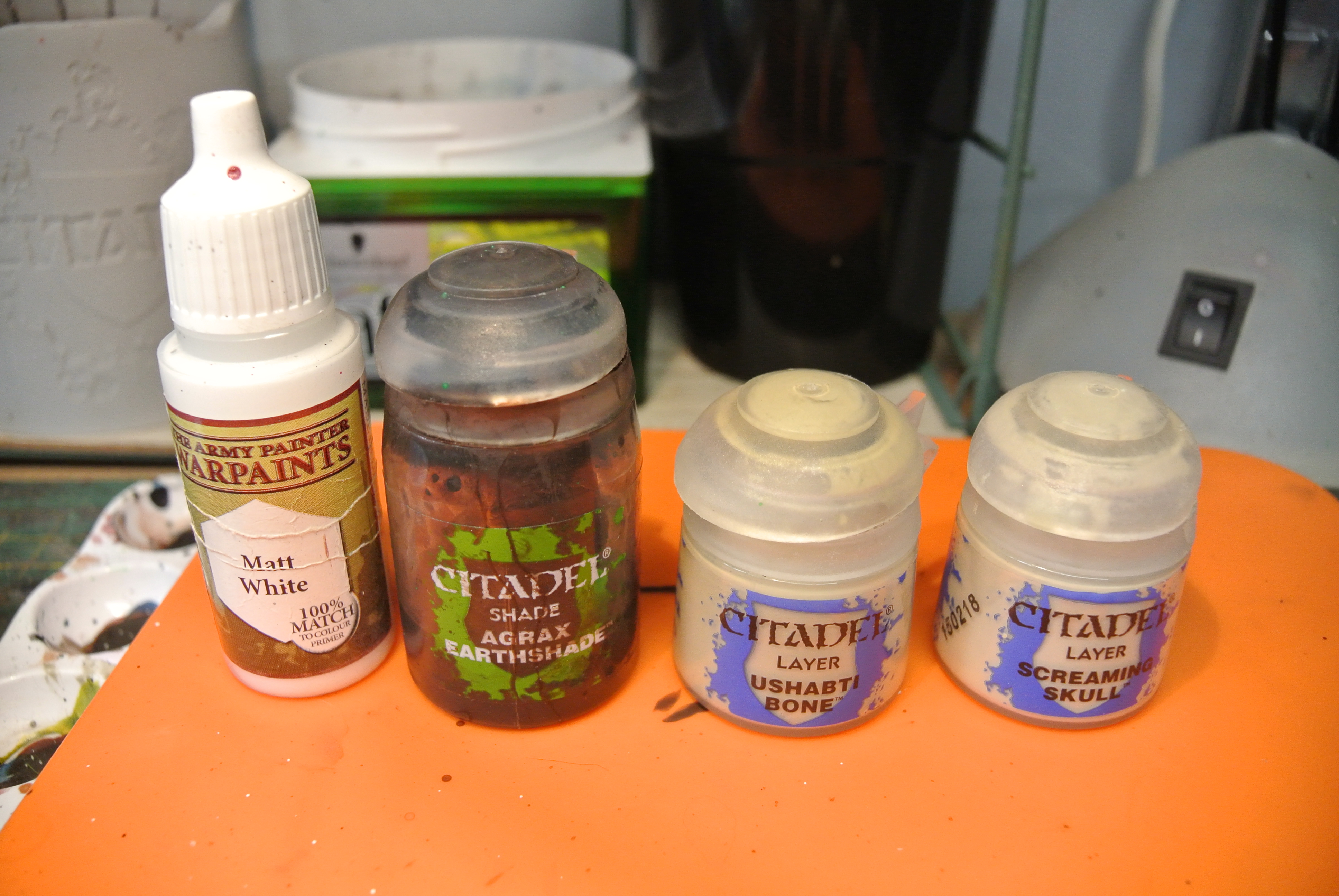
6: Then I do the claws, teeth and the little skull his is holding in matt white. In a later stadium we will create a different in the teeth/claws and the skull so they do not look the same.
7: I choose the colour yellow for the eyes (yriel yellow from citadel paints). But I think any colour can be used like: white, red, green, blue.. It’s just a matter of taste or imagination.
Step 3: Shading
1: First we start by shading the whole blue skin + purple fins with blue tone shade (Army painter). Be careful with the pimples and the belly.
2: Now we shade the belly with soft tone shade or a light brown shade will do.
3: The third shade is agrax earthshade or a darker brown voor the teeth, claws and skull.
4: The last shade is nuln oil for the pimples and eyes.
Step 4: The Highlights
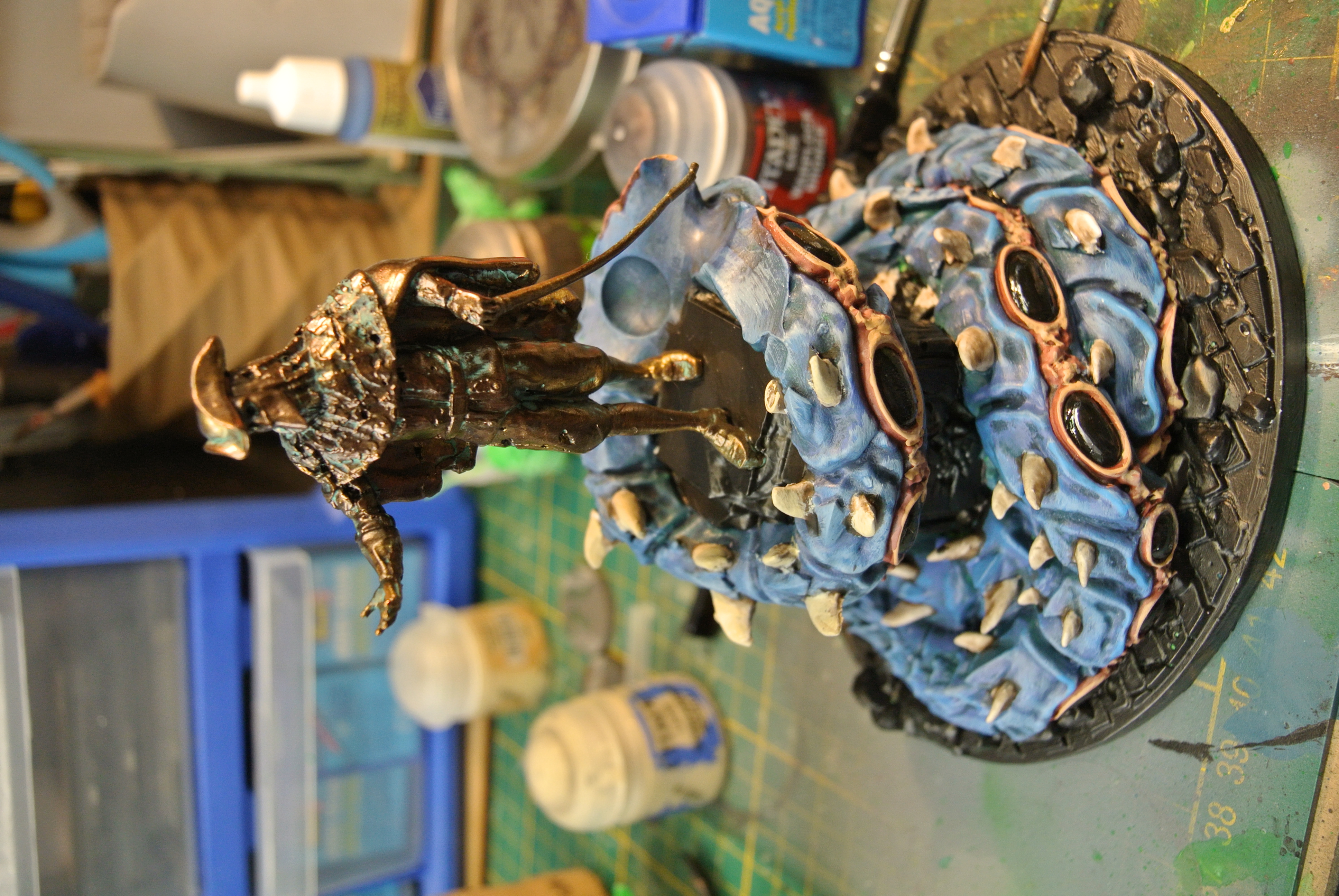
1: We start of by highlighting the skin with crystal blue. We do this on sharp areas of the skin and the spines of the fin. This bright color gives the ugdru a more reptile/fish looking but also gives it the idea its not from earth.
2: Highlight the purple areas on purple parts. Its more a cleaning up the shading rather than being a highlight. I used the color orc blood from army painter.
3: Again Highlight/cleaning up the shade of the belly with ionrach skin form citadel paints. The color gives it a nice fish flesh tone.
4: Now I highlight the pimples, skull, teeth and claws with a bone color like ushabti bone.
5: With a matt white color we highlight the tips of the claws, add a small line in the teeth and slightly highlight the eye sockets of the little skull.
6: Finnish of with adding a small round line in the eyes. I used a black color for this. But any color will do. Then I clean up around the black line with the base color yriel yellow.
With those highlights we finished of the model.