














VLOG: 3D Printing Raging Heroes’ Marquita Mendoza! | Heroes Infinite
June 20, 2022 by johnlyons


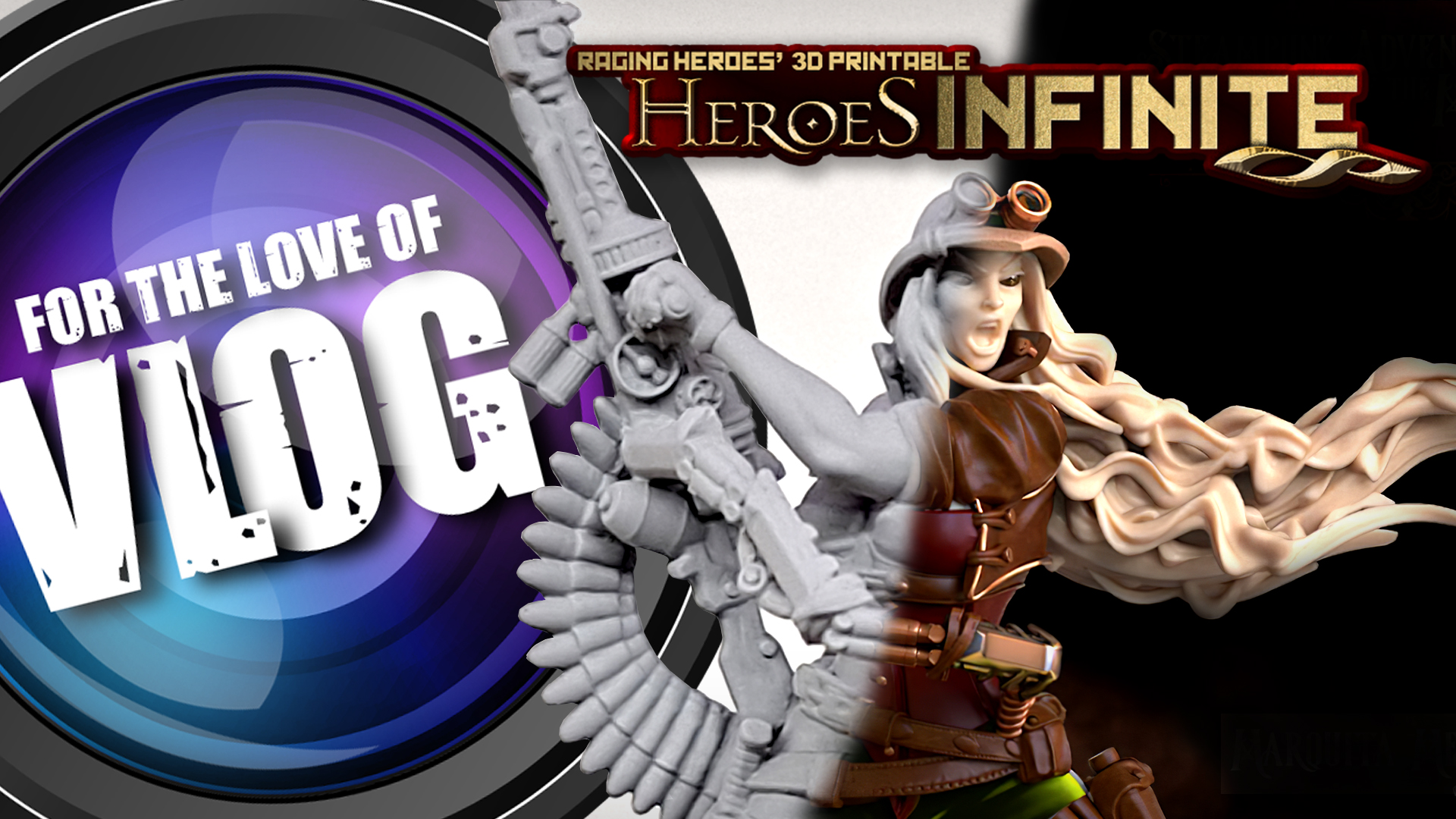
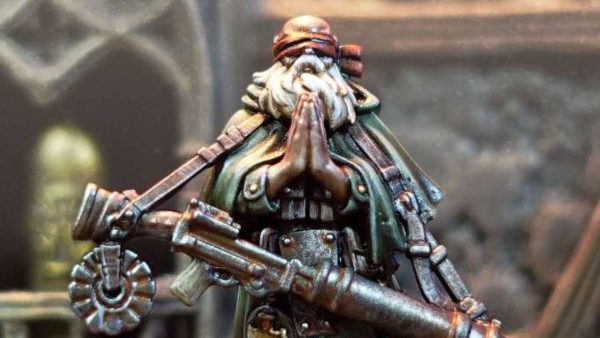
John dives into a fun "how to print" VLOG to show off how to bring the excellent 32mm miniatures from Raging Heroes' Heroes Infinite program to life!
Check Out Heroes Infinite Here
Get Your Steampunk Adventurers Of The Mechanium
See More From Raging Heroes Here
Check Out The How To 3D Print VLOGs
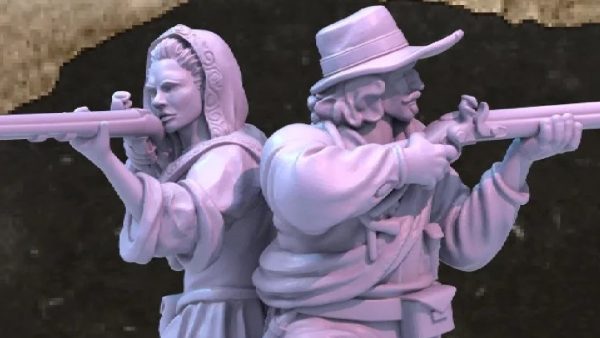
The Heroes Infinite line-up for June focuses on the Steampunk Adventurers Of The Mechanium. John was quite taken by the Marquita Mendoza miniatures and so shows off the stages that go into printing her. We'll be showing off how easy it can be to get really great miniatures from your 3D Printer with a few easy-to-follow steps!
What do you think of the results?
Supported by (Turn Off)

Supported by (Turn Off)
Supported by (Turn Off)














Really interesting. I know next to nothing about the mechanics of 3D printing so it was fascinating to see it work in practice. Many thanks for doing this John.
What layer thickness did you use?
Hi John, thanks for this. Very informative and has answered a number of questions I had around this dark art!
so … just following instructions and it is actually ‘plug and play’ ?
Are FDM printers as easy these days too?
The ones that are easy to use are the ones that are already assembled. I use Flashforge Adventurer 3, Adventurer 4 and Creator 3 Pro. They come with a really good slicing program FlashPrint 5. I usually use them to print larger objects, especially terrain. But my son printed a 15mm T-55, T-62 and similar on so called “Fine” slice profile and they look really good for an FDM print.
Hi @john
Great video. I share my grandsons room, My side of the room is painting miniatures his side is sleeping and living. I was wondering if you use water washable resin, how bad are the fumes and smell, If I have a resin printer in my grandsons room. I would not do any printing when he would be staying over just would it linger? My Grandson is 5 years old.
If you have a good window to air the room regularly the smell from the fumes should disperse within a few days. There is always the lingering resin smell because it smells when you pour or you take it out of the vat so the room needs airing.
Thanks for the video John. Answered many questions I had about 3D printing.
Unfortunatey it convinced me not to try it… but informative video.
@johnlyons
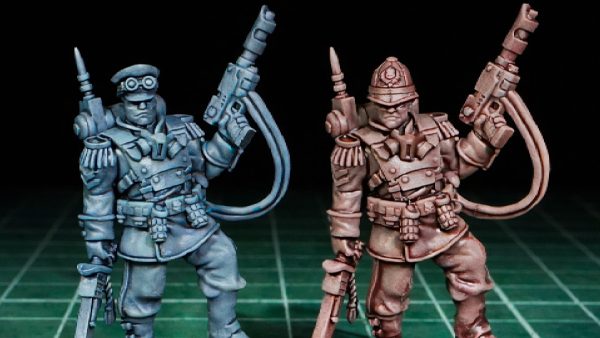
You can see the difference on the barrel of the machine gun. The one oriented by ChituBox has a more clogged look, while the presupported one a much cleaner, sharper look. Especially when at the holes on the barrel.
When supporting yourself don’t trust the slicer program to orient the model correctly. You should always think how the model will be printed. Visualize the layers forming on the print bed. That way you can visualize what part of the model is supporting itself and what part will need supports. For example, an arm holding a sword high strait above the mini will most likely need almost no suppoort (if it’s printed from the shoulder that is touching the print bed). So the parts needing support are the ones sticking out of the model at an 90 degree (or so) angle like they are floating in space (ignoring the fact that they are connected to the model on one side).
And since every slice or layer is an image that is projected on the screen and the UV light goes through the image to cure the resin you should be careful of so called “islands.” Those are parts of the model that “float” unconnected to the model when sliced. If an arm is holding a sword away from the body the pommel is going to be an island. When the slicer comes to that part of the model and if there is no support the layer/image will suddenly have a new area to cure that is not connected to the model and or the print bed and that part of the model will fail.